How to Use Apollo AI: A Calm, Budget-First Routine
How to use Apollo AI step by step: set a budget, log in, choose your game, explore history, generate sets and use the 14-day guarantee window wisely.
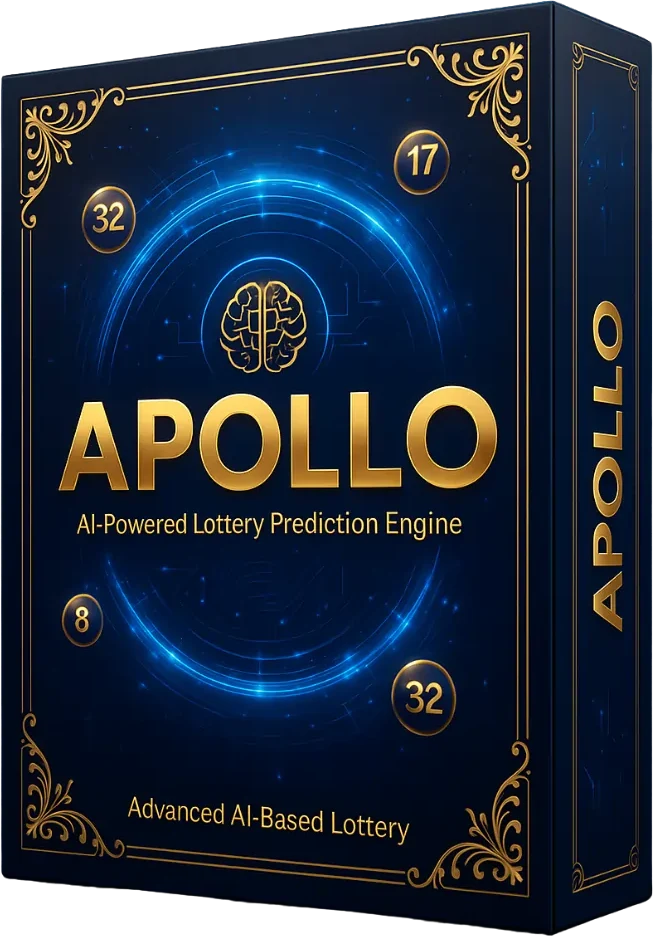
Knowing how to use Apollo AI well is mostly about how you frame it. Used as a calm, budget-first ritual, it can make lottery play more enjoyable. Used to chase wins, any tool becomes a problem. Here is a mindful routine.
Before you start: the budget rule
Decide how much you will spend on lottery entertainment per week or month. Write it down. Treat it like the price of a movie ticket: money spent on fun, not an investment. Never increase it after a loss.
Step 1: Log in on day one
After purchase, use the access details in your confirmation email to log in to the cloud portal. Doing this immediately matters, because the money-back guarantee lasts only 14 days.
Step 2: Set your preferences
Choose the lottery you actually play and enter your region and preferences. Confirm your game is supported; if not, that is a valid reason to request a refund within the window.
Step 3: Explore the history
Spend a few minutes in the frequency and pattern views. Notice how even "hot" and "cold" numbers drift over time. Remind yourself that these describe the past only.
Step 4: Generate and compare sets
Use the generator to produce a few sets. Compare them, pick one you like and move on. Avoid generating dozens of sets and buying more tickets "to cover" them; that increases spending without meaningfully changing your odds.
Step 5: Close the dashboard
A good session takes about ten minutes. Then you're done until next week.
A sample weekly ritual
- Sunday evening: ten minutes in Apollo AI, choose one set.
- Draw day: buy one ticket within your budget.
- After the draw: check results, and leave it there. No chasing.
Using the 14-day guarantee well
Days 1–3
Log in, set preferences and explore every feature.
Days 4–10
Use the routine for one or two draws. Ask yourself whether the experience adds enjoyment.
Days 11–14
Decide. If it isn't for you, contact the official support team before day 14.
Warning signs to watch for
- Spending more than you planned
- Buying extra tickets to "cover" generated sets
- Feeling that a win is "due"
- Hiding play from family
If any of these sound familiar, pause and reach out to 1-800-GAMBLER for free, confidential support.
Common mistakes
- Treating confidence labels as winning odds
- Waiting until day 13 to log in for the first time
- Expecting a return on the $147
Building a sustainable habit
The healthiest lottery habits are boring by design: the same small budget, the same short session, the same day each week. Consider writing a one-line "play plan" and keeping it near your computer, for example: "One ticket per week, $5 maximum, Sunday session only." If you ever want to break your plan, treat that urge as a signal to pause rather than to play.
If you share a household budget
Agree on the entertainment amount together. Transparency removes the temptation to play quietly or to chase losses.
If you prefer not to buy tickets
Apollo AI can be enjoyed purely as a data exploration tool. Some users simply follow how generated sets would have fared, entirely for curiosity.
FAQ
Can I use Apollo AI on my phone?
It is a cloud portal, so it should work in a mobile browser.
Do I have to buy tickets to enjoy it?
No. Some users enjoy exploring the data purely for interest.
Ready to start?
Compare costs in our Apollo AI price guide, understand the math in lottery odds explained, read our review or return home. When you are ready, get Apollo AI.
Apollo AI · $147 one-time
14-day money-back guarantee on the lifetime license.